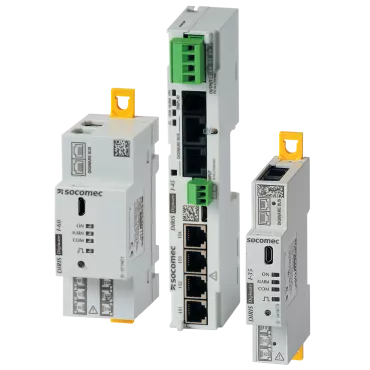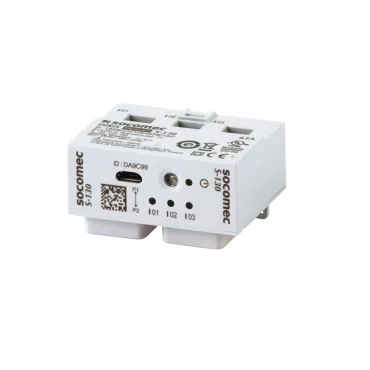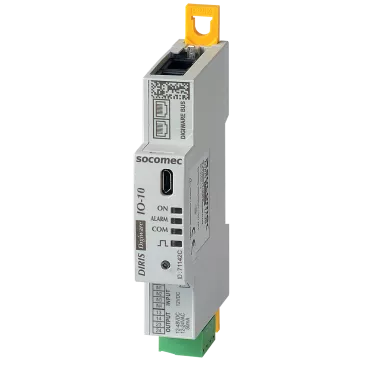


Strong Points
Function
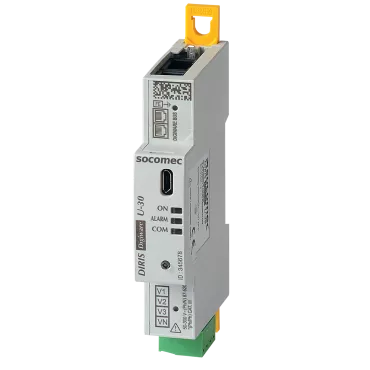
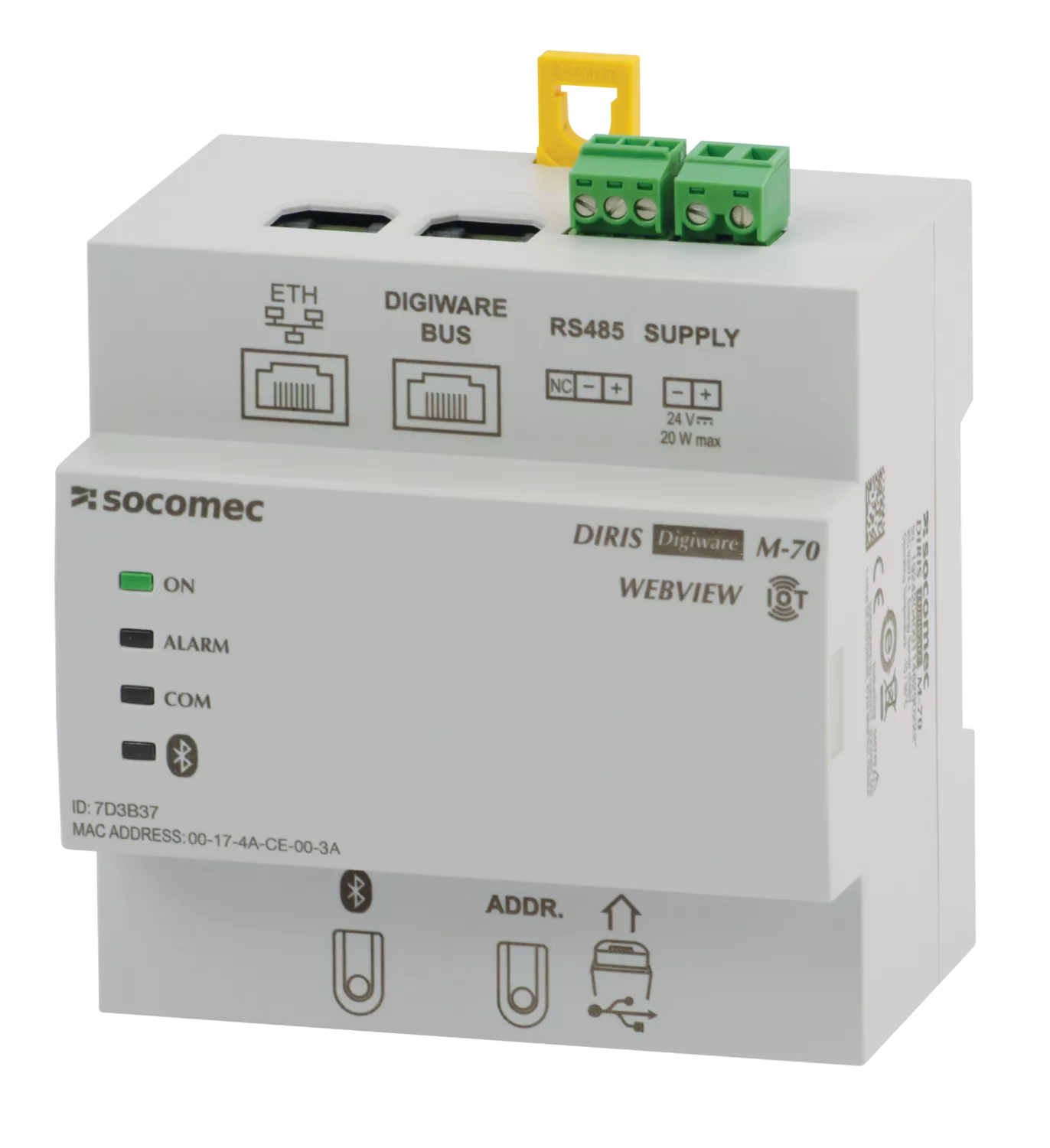
The DIRIS Digiware M-50 and M-70 communication gateways are the access point for the DIRIS Digiware system, centralising the 24 VDC power supply and communication in one single point.
The M-50 and M-70 act as the Ethernet gateway for all the devices connected on the Digiware or RS485 bus, and integrate a web server to configure the network parameters and to remotely display measurement data.
The M-50 and M-70 gateways offer a wide range of functionalities, including:
- memory extension for connected devices,
- automatic export of logged consumption and data to an FTP(S) server,
- notification emails if there is an alarm on one of the connected devices (SMTPS),
- automated time synchronisation of all connected devices via SNTP.
References
DIRIS Digiware M is available in 2 versions
Advantages
Plug & Play
- Direct Digiware and RS485 to Ethernet gateway.
- Automatic detection of connected devices.
- Easy configuration.
- Safety Extra Low Voltage 24 VDC power supply.
Advanced connectivity
- Ethernet output for communication using multiple protocols: Modbus TCP, BACnet IP and SNMP v1, v2, v3 (encrypted) to suit any metering and power monitoring application.
- Possible to configure as RS485 slave to communicate measurement data to a second PLC, for example.
Embedded web server
WEB-CONFIG is built in to the M-50 gateway to configure the communication architecture.
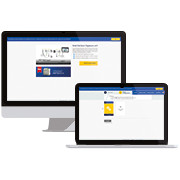
WEBVIEW-M is built in to the M-70 gateway and available without license fees to view measurements and consumption remotely
Cyber security
The M-50 and M-70 gateways include advanced IEC 62443-compliant cyber security features to secure data transmission and reduce the risk of cyberattacks:
- customised security policy (blockage or restriction of certain protocols or services),
- secure HTTPS navigation by uploading TLS/SSL certificates,
- secure data push (FTPS, SMTPS),
- implementation of a firewall and white-list rules to guard against denial-of-service attacks.
Email notifications
The M-50/M-70 gateway can send email notifications in the event of alarm.
Applications
- Data center - Power for busway and tap-off
- Data center - Power availability for telecom
- Data center - Power availability for edge
Tutorial
Learn how to configure your DIRIS Digiware system directly from the D-70 display and WEBVIEW-M
Presentation
The DIRIS Digiware measurement and monitoring system is evolving!
Socomec services
Socomec offers comprehensive support to optimise the performance and longevity of your equipment. 400 experts and 250 engineers are mobilised to offer a complete service, from commissioning to end-of-life management of your equipment.
Commissioning
Commissioning by the manufacturer is the guarantee of safe, reliable and operational equipment.